Blog
Explore insights, guides, tutorials, and ideas across AI, technology, productivity, and other topics worth reading.
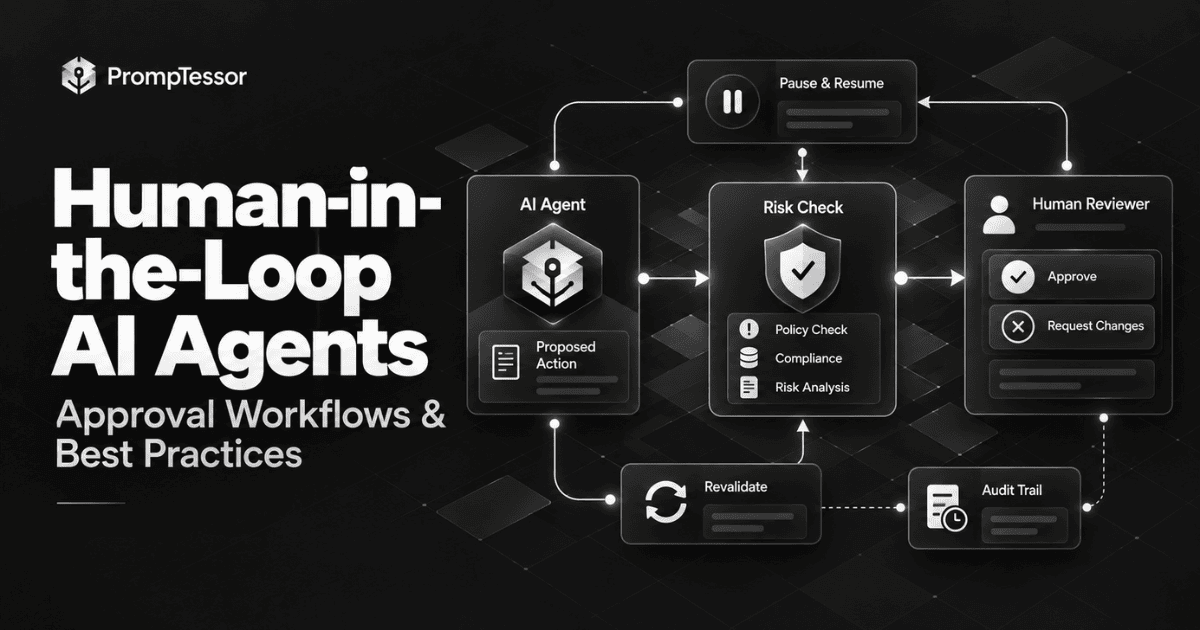
Human-in-the-Loop AI Agents: How to Design Approval, Escalation, and Review Workflows
Human-in-the-loop AI agents do not need a person to approve every step. They need explicit decision boundaries for when an action can run automatically, when it should pause, what reviewers must see, how state is preserved, and how a workflow safely resumes after approval.
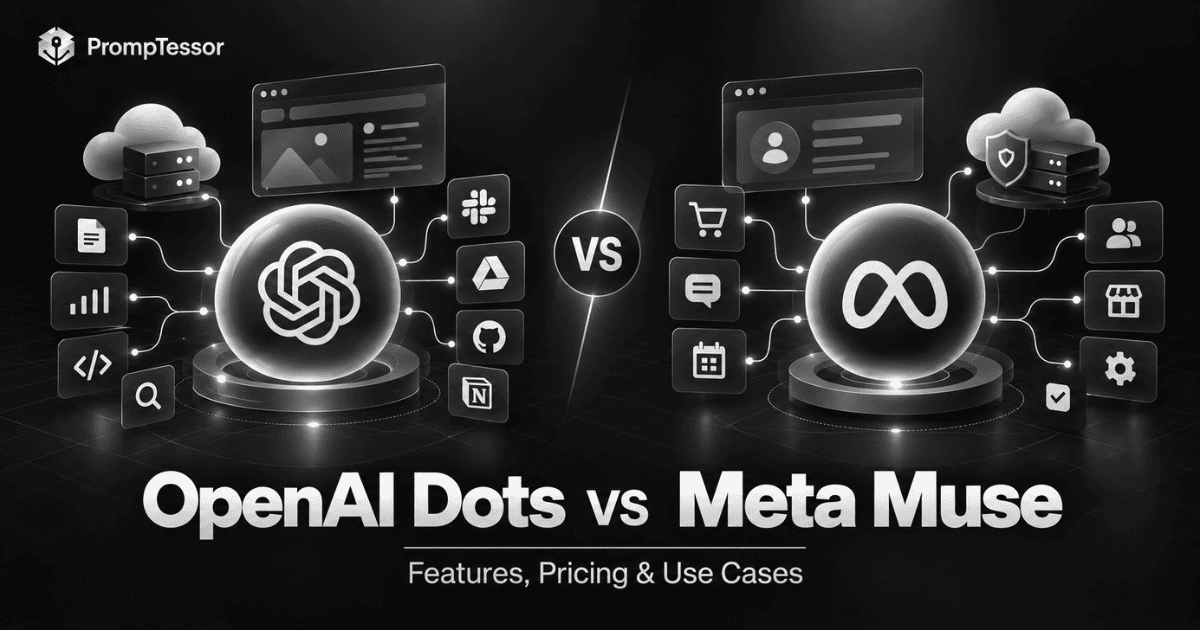
OpenAI Dots vs Meta Muse: Which AI Agent Is Right for You?
OpenAI Dots and Meta Muse are both always-on AI agents, but they are built around different ecosystems and responsibilities. This guide compares their models, cloud environments, connected apps, approvals, privacy, business fit, availability, and real-world workflows.
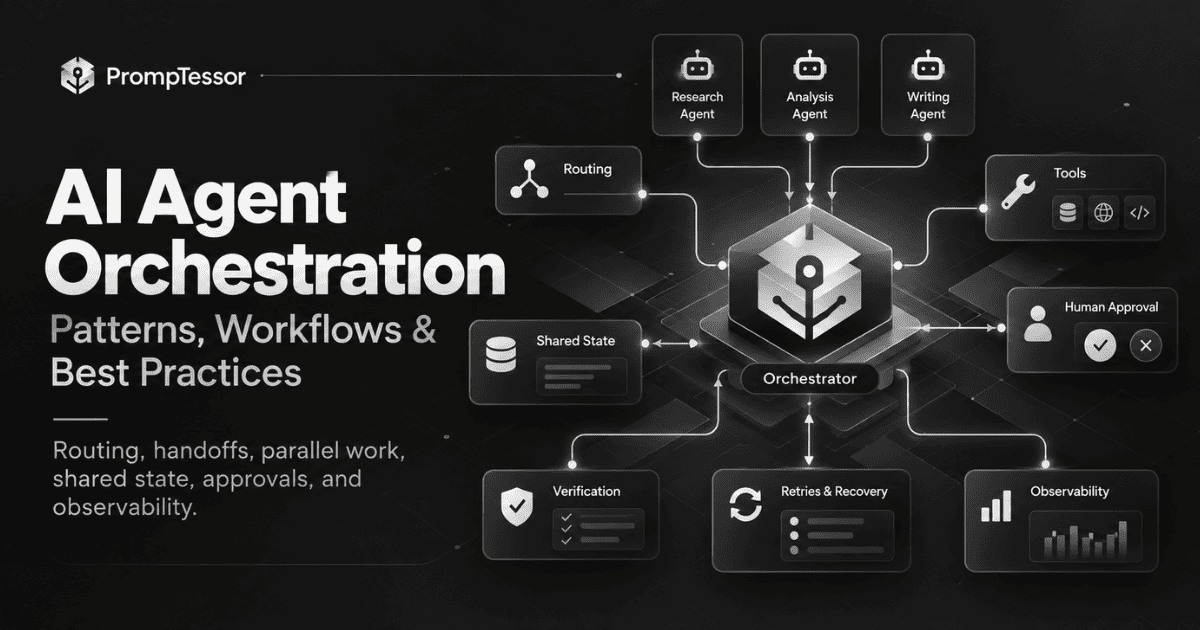
AI Agent Orchestration: How to Coordinate Agents, Tools, State, and Human Approval
AI agent orchestration is the control layer that decides which agent or tool should act, what context it receives, how state moves through the workflow, when work can run in parallel, where humans must approve actions, and how the system recovers when something fails.
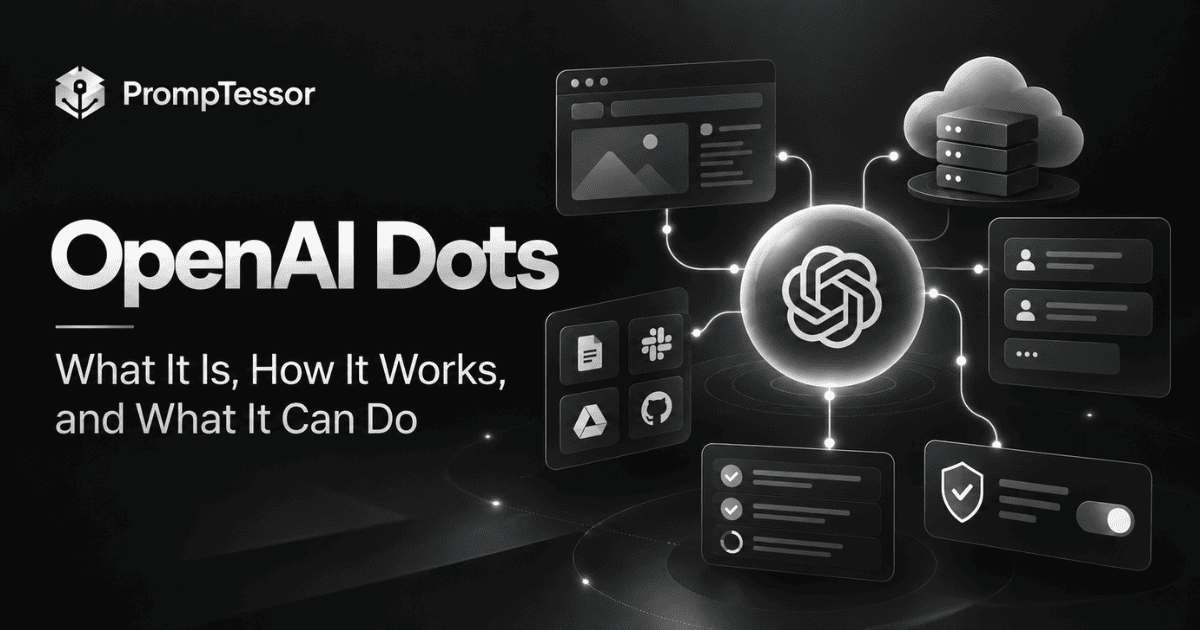
OpenAI Dots: What It Is, How It Works, and What It Can Do
OpenAI Dots are always-on agents powered by GPT-6 Astra that can work across connected apps, use their own cloud computer and browser, maintain context across channels, and continue projects between conversations. This guide explains how Dots work, what they can do, their safeguards, availability, and how to give persistent agents better instructions.
How to Prompt GPT-6.1 Sol: Best Practices, Reasoning, and Examples
A practical GPT-6.1 Sol prompting guide covering reasoning effort, coding, agents, computer use, complex documents, long context, structured outputs, tool use, migration from GPT-6 Sol, and prompt examples.
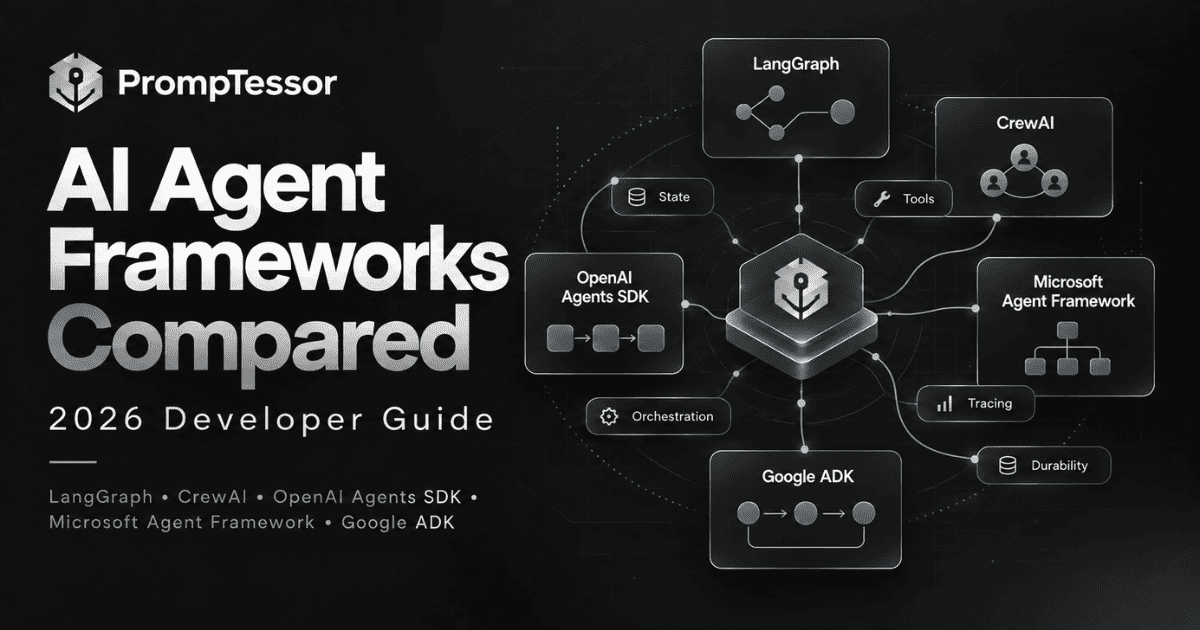
AI Agent Frameworks Compared in 2026: LangGraph, CrewAI, OpenAI Agents SDK, Microsoft Agent Framework, and Google ADK
A practical 2026 comparison of LangGraph, CrewAI, OpenAI Agents SDK, Microsoft Agent Framework, and Google ADK, focused on architecture, state, orchestration, tools, human approval, tracing, and production fit.
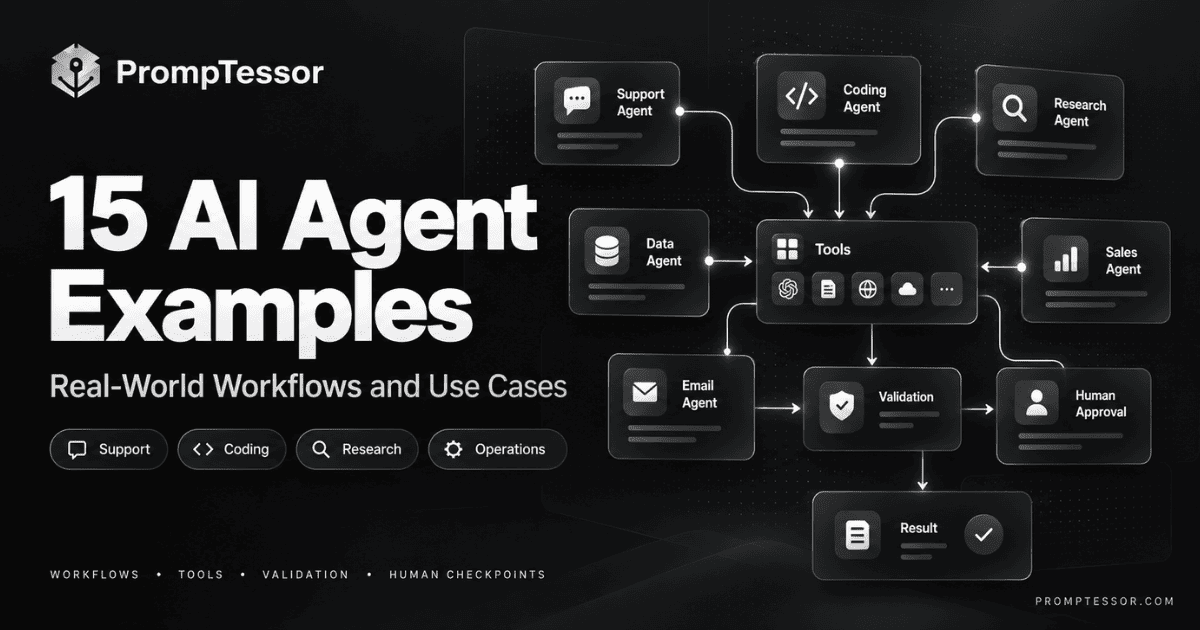
15 AI Agent Examples: Real-World Workflows and Use Cases in 2026
AI agents are most useful when the model must make decisions across multiple steps, use tools, observe results, and adapt. This guide breaks down 15 practical agent examples by trigger, goal, tools, decisions, validation, human checkpoints, and final outcome.
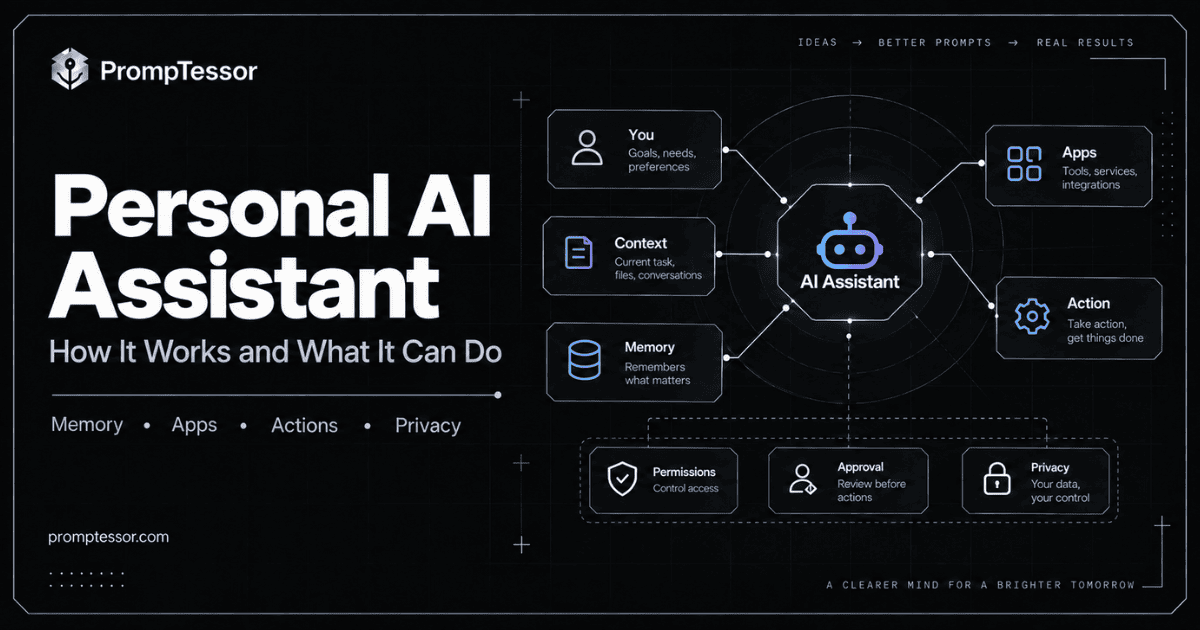
What Is a Personal AI Assistant? How It Works, Remembers, and Takes Action
A personal AI assistant goes beyond answering questions. It can use your preferences, memory, connected apps, and tools to help plan, organize, monitor, prepare, and sometimes take action on your behalf. This guide explains how personal AI assistants work, what they should remember, when they should ask for approval, and how to use them safely.
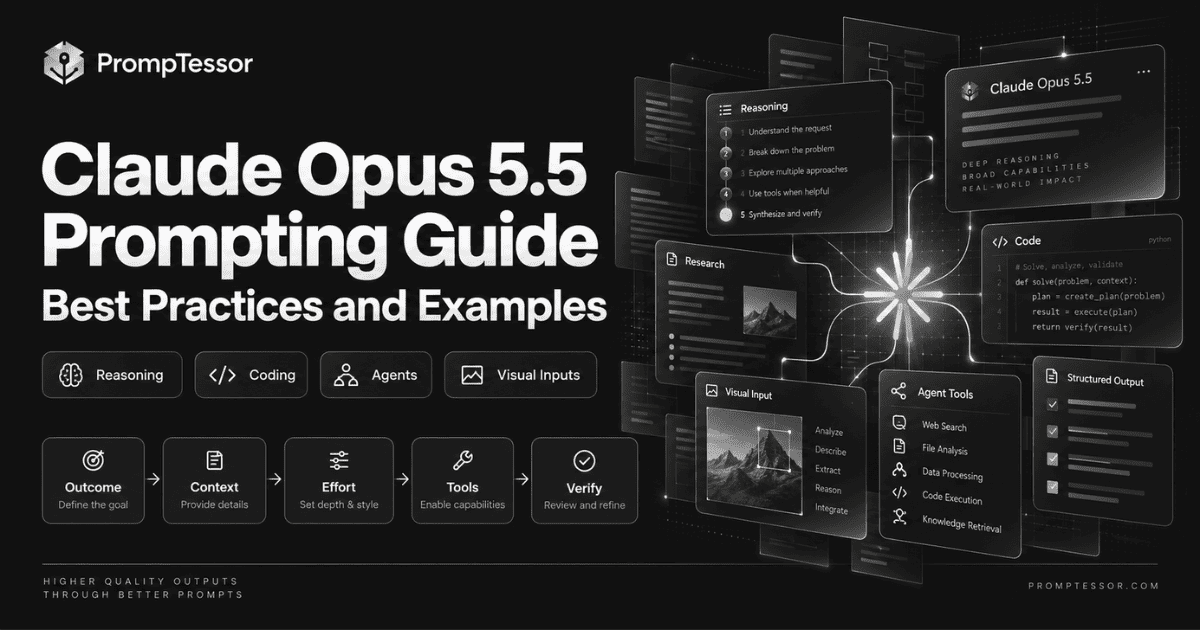
How to Prompt Claude Opus 5.5: Best Practices, Tips, and Examples
Claude Opus 5.5 changes several prompting and runtime patterns from Opus 5. This guide explains how to calibrate effort, structure prompts, handle long-running agents, use tools, work across apps, process visual inputs, avoid generic frontend output, migrate existing prompts, and evaluate results.